On this page
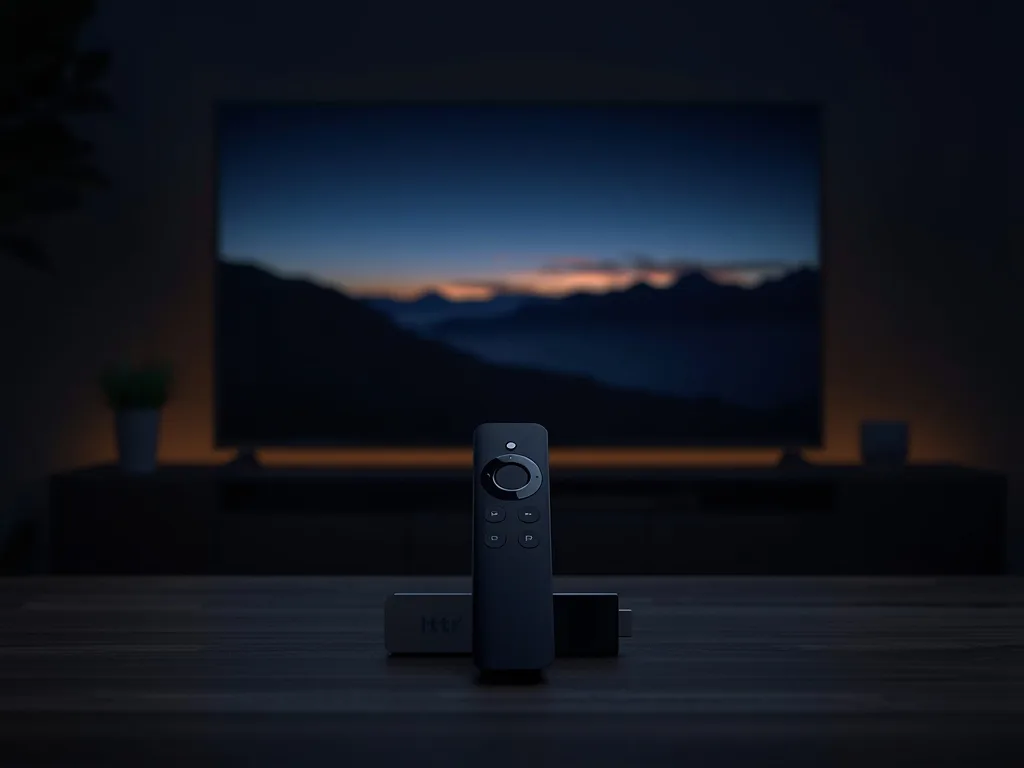
The Amazon Fire TV Stick is the device most Canadians use for IPTV. It is affordable, available everywhere and runs the popular player apps. But the best experience depends on the IPTV service, the player and a few settings. This guide covers what to look for in the best IPTV for Firestick in Canada.
Which Firestick?
The 4K models handle large channel lists, a full TV guide and 4K streams better than older HD sticks. If you watch mainly in HD, any recent stick works; for 4K, use a 4K stick on a 4K TV. Amazon Canada lists the current models on its Fire TV page.
What the Service Needs
- Login details that work in Firestick players (Xtream Codes or M3U)
- A TV guide that loads quickly on a small device
- Canadian channels in English and French
- Setup help for Fire TV specifically
- A free trial on your own stick
Royal Stream IPTV meets all five, with 50,000+ live channels led by Canadian networks. The step-by-step Firestick setup guide and our Firestick device page show exactly what to do.
Choosing a Player
IPTV Smarters and TiviMate are the most popular Firestick players. Smarters has clear movie and series screens; TiviMate has a cable-style guide that hockey fans love. Our guide to the best IPTV player apps compares them.
Settings That Help
- Use 5 GHz Wi-Fi or an Ethernet adapter
- Use an HDMI extender so the stick is not hidden behind the TV
- Clear the player app cache now and then
- Hide channel groups you never watch
If you still see buffering, our buffering fixes for Canadian home networks go through the causes.
Try It on Your Stick
Contact us for a Royal Stream IPTV trial and install it on your Firestick tonight. Plans are priced in CAD on the pricing page.