On this page
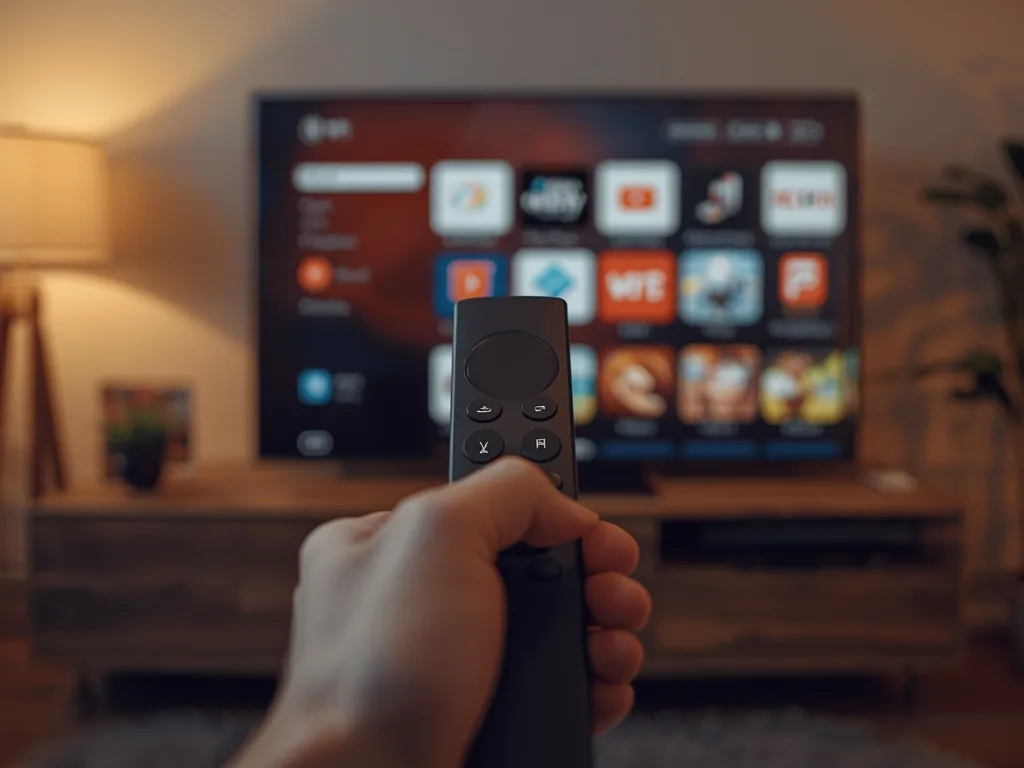
An IPTV subscription and an IPTV player app are two different things, and mixing them up is the single most common point of confusion for anyone setting up IPTV for the first time. The subscription is the content — the live channels, movies and series your provider gives you access to. The player app is the software on your TV, box or phone that actually opens and plays that content.
IPTV Smarters Pro, IBO Player and Hot Player are three of the most widely used player apps. This guide compares what each one does, which devices they run on, how to install them, and how they connect to a subscription like Royal Stream IPTV.
Player App vs IPTV Subscription: The Quick Version
- Your IPTV subscription (like Royal Stream IPTV) supplies the content — channels, VOD, and login or playlist details
- The player app supplies the interface — menus, an EPG, search, favourites, and playback
- Installing a player app on its own gets you an empty menu; it needs a subscription connected to show anything
- One subscription can usually be added to more than one player app, and to more than one device
If you want the fuller background on how the pieces fit together, see our Royal Stream IPTV overview, or browse plans and pricing to see what a subscription includes.
IPTV Smarters Pro
IPTV Smarters Pro is one of the most widely supported IPTV player apps, with versions for Android, Android TV, Amazon Fire TV, iOS, Apple TV, Samsung, LG, macOS and Windows. Its interface groups Live TV, Movies and Series into separate tabs with a built-in EPG.
What it supports
- M3U and Xtream Codes logins
- Multiple playlist profiles on the same device
- A programme guide (EPG) alongside the live channel list
- Parental controls and favourites
Installing IPTV Smarters Pro
On Android, Fire TV and Android TV, install it from the Google Play Store or Amazon Appstore. On iOS and Apple TV, install it from the App Store. On Samsung and LG Smart TVs, check the TV's own app store first, since availability varies by model, software version and country.
See the official IPTV Smarters Pro app listing on Google Play for the current version and supported devices.
IBO Player
IBO Player is a media player built around a themeable, TV-first interface, with a handful of layout options and support for 4K playback where the source stream provides it. It is a common choice on Smart TVs and Android TV boxes.
What it supports
- M3U and M3U8 playlists
- Multiple visual themes for the channel and VOD grid
- Movie posters and trailers where the playlist provides them
- A short trial period on first install
Installing IBO Player
IBO Player is available for Samsung and LG Smart TVs, Android and Android TV, and iOS, generally through each platform's own app store. Availability depends on your specific TV model, software version and country. Visit the official IBO Player site for current downloads and device information.
The steps above cover the basics; the full walkthrough with screenshots for each Smart TV brand is a guide of its own, which we'll be publishing separately.
Hot Player
Hot Player is a lighter, faster-to-set-up player app aimed mainly at Firestick and Android TV, with support for uploading a small number of M3U playlists per device. Its interface is simpler than Smarters Pro or IBO Player, which some users prefer for a quicker setup.
What it supports
- M3U playlists (typically up to a few per device)
- Live TV, movies and series playback with subtitle and audio track support
- Android, iOS, Fire TV/Firestick, Windows, and select Smart TVs
Installing Hot Player
On Firestick and Android TV, Hot Player is commonly sideloaded using the Downloader app rather than pulled from the Amazon Appstore. Open Downloader, enter the app's official short code, and install the APK it downloads. On Android and iOS, use the Google Play Store or App Store listing instead.
See the official Hot Player download page for current install links and codes.
How the Three Compare
| IPTV Smarters Pro | IBO Player | Hot Player | |
|---|---|---|---|
| Device support | Widest — Android, iOS, Fire TV, Apple TV, Samsung, LG, Windows, macOS | Smart TVs and Android TV, iOS | Firestick and Android TV, plus Android, iOS, Windows |
| Interface style | Standard tabs: Live, Movies, Series, EPG | Themeable, TV-first grid layout | Simple, minimal menu |
| Setup method | App store install on most devices | App store where available | Often sideloaded via Downloader on Firestick |
| Best for | Widest device coverage in one app | A polished, TV-style browsing experience | Fast Firestick setup |
Swipe to see more →
There isn't a single "best" answer — the right player is whichever one your device supports well and whose interface you prefer. All three do the same core job: play the channels and titles your IPTV subscription provides.
Connecting Royal Stream IPTV to a Player App
- 1. Subscribe to a Royal Stream IPTV plan and receive your login or playlist details.
- 2. Install whichever player app above is supported on your device.
- 3. Open the player app and choose to add a new playlist or Xtream Codes login.
- 4. Enter the details exactly as provided.
- 5. Give the channel list a moment to load, then browse Live TV, Movies and Series.
If a stream stutters after setup, it is almost always a connection issue rather than the player app itself: aim for at least 15–20 Mbps for smooth HD, and 40 Mbps or more for 4K.
FAQ
Do I need a player app if I already have an IPTV subscription?
Usually yes, unless your provider gives you a device-native app. Most IPTV subscriptions are delivered as an M3U playlist or Xtream Codes login, and a player app such as IPTV Smarters Pro, IBO Player or Hot Player is what actually plays that on your screen.
Which is better: IPTV Smarters Pro, IBO Player or Hot Player?
They cover the same job in slightly different ways. IPTV Smarters Pro is the most widely supported across devices and the closest thing to an industry standard. IBO Player leans into a themeable, TV-first interface. Hot Player is a simpler, faster app to set up on Firestick. Try the ones your device supports and keep whichever feels smoothest.
Do these apps include channels or a subscription?
No. All three are player software only. None of them include live TV channels, movies or series — you connect your own IPTV subscription's playlist or login to whichever player you install.
Is it safe to install these apps?
Install only from each app's official store listing or official website. Avoid modified APKs from unknown sites, which is where most device security problems with IPTV setups actually come from — not the player apps themselves.
Can I use these players with Royal Stream IPTV?
Yes. Royal Stream IPTV is compatible with standard M3U and Xtream Codes players, so your subscription can be added to whichever supported player app you prefer on your device.
Final Thoughts
IPTV Smarters Pro, IBO Player and Hot Player all do the same essential job — playing the channels and titles your subscription provides — with different device support and interface styles. Pick the one that runs well on your setup, connect your Royal Stream IPTV login, and you're watching within minutes.